Early access
Your shop or brand website,live today. No code needed.
Build the site you need — a café, a studio, a portfolio — by clicking and editing on the canvas, then publish it with one button. Start on a free yourname.asella.site address; connecting your own domain comes with a paid plan.
No card · publish on a free address right away
Examples
Explore sites built with Asella
These demos began as AI drafts during testing and were refined on the canvas. Today you build sites by hand.
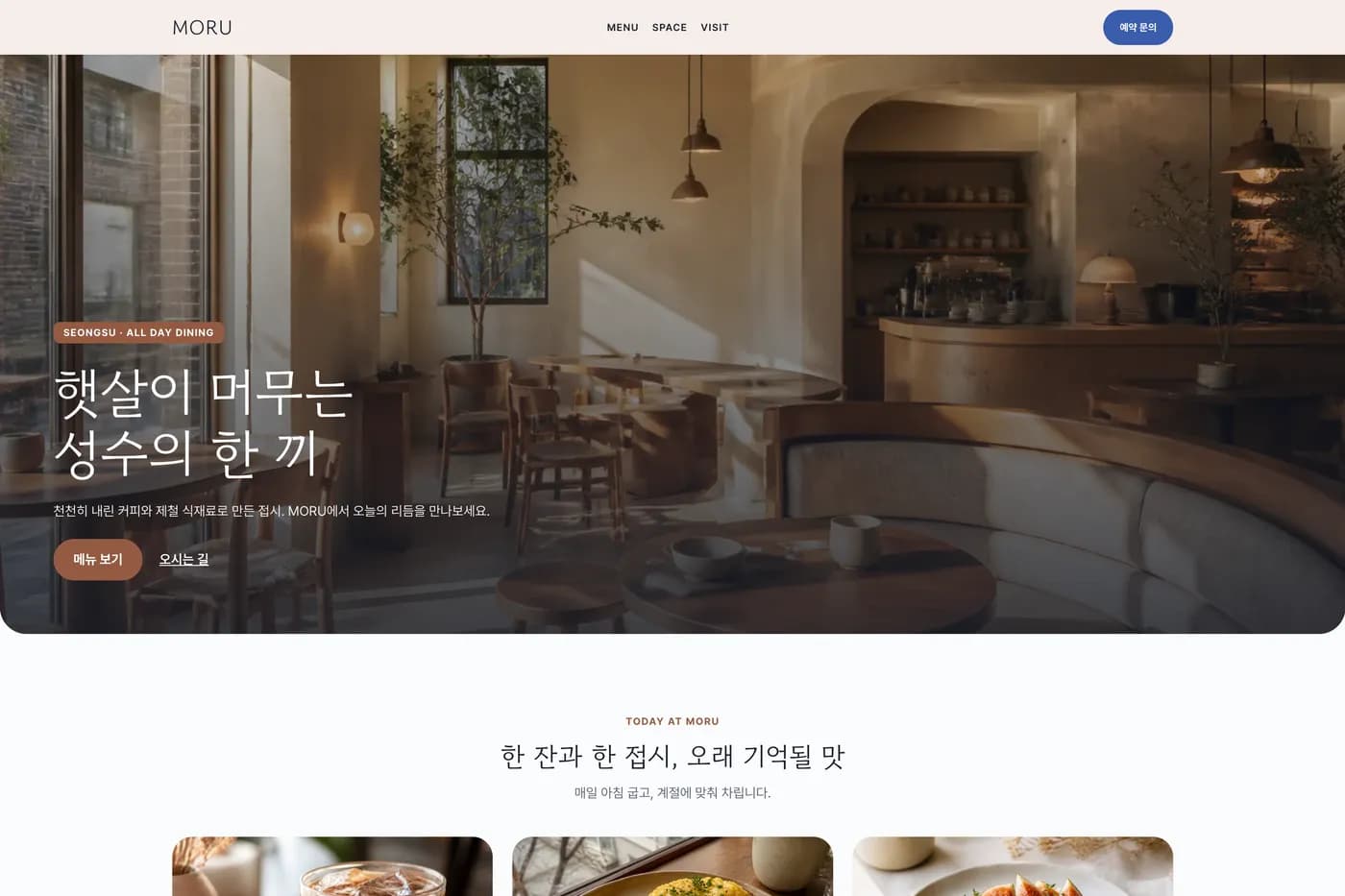
Café or restaurantAll-day dining in SeongsuA photo-led page with the menu, address and booking information in one place. 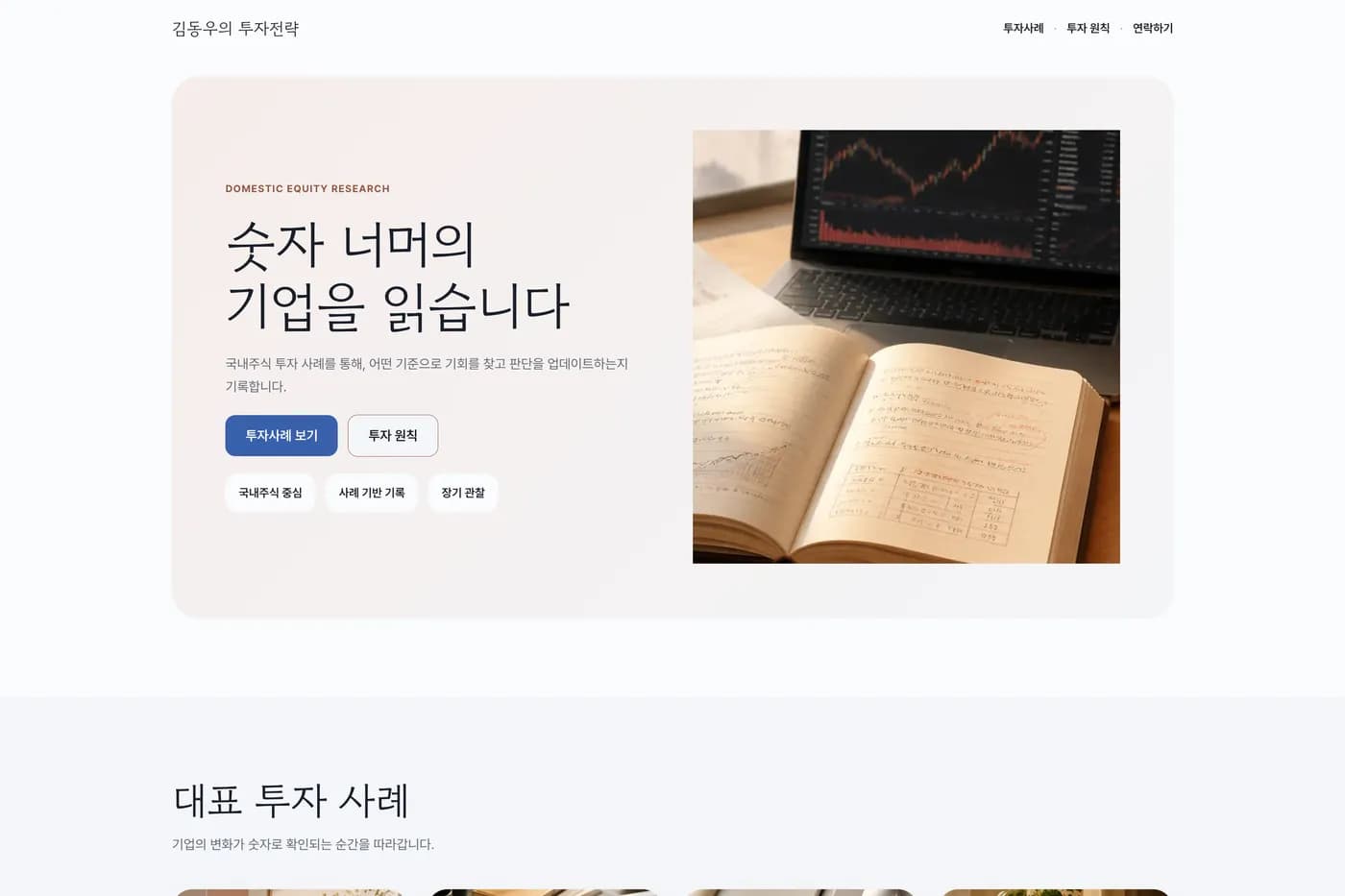
Blog or magazineAn investing notebookPosts stack up as a collection, and the list and detail pages stay wired through fields. 
Café or restaurantA chip bar in MangwonA dark, photo-led introduction page, built with the same editor. 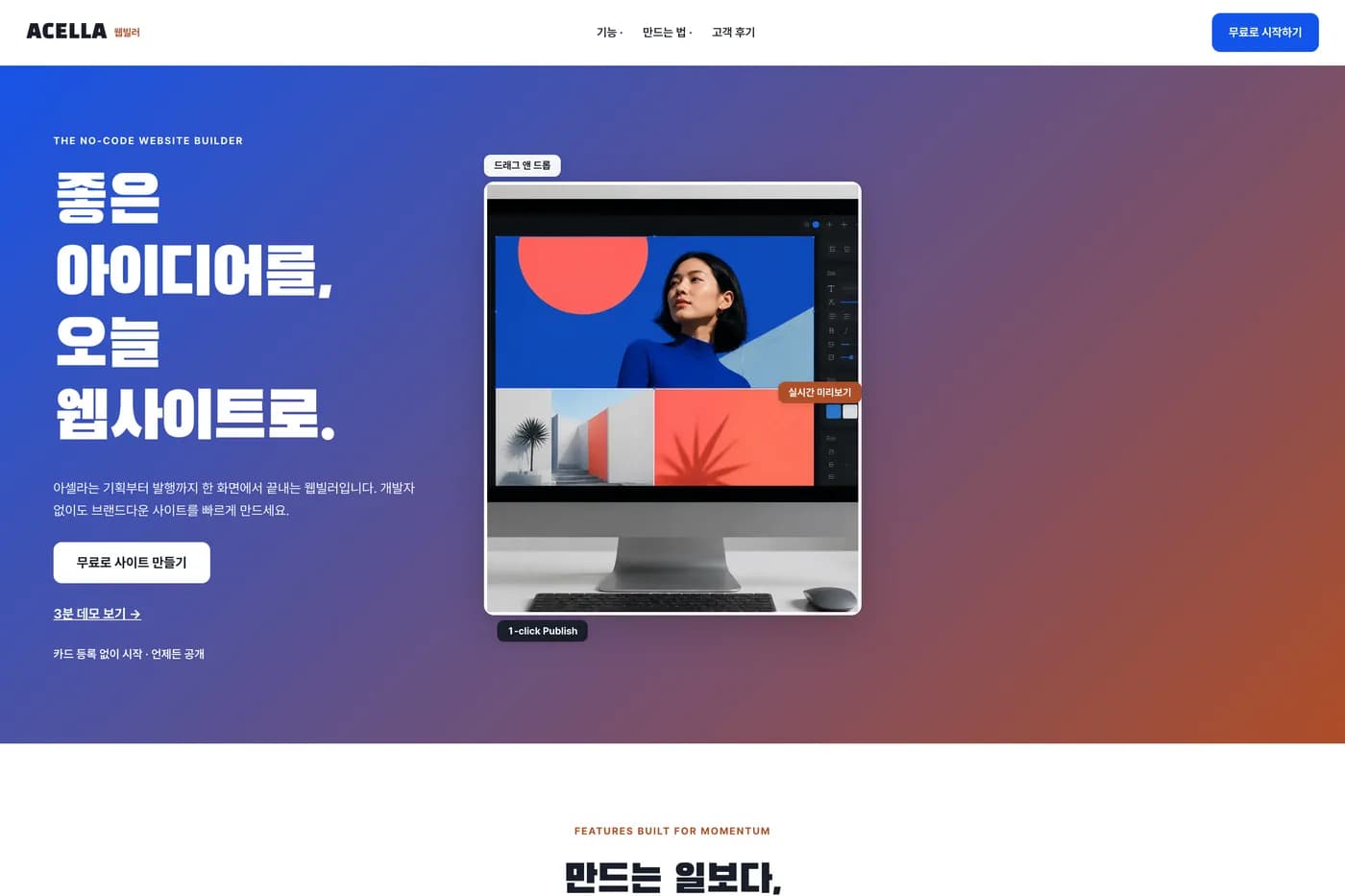
Product or service landingA SaaS landing pagePresent your features and calls to action in a focused SaaS landing page.
Examples created in our demo workspace.
How it works
Build it, polish it, publish it
The same three steps you'll take after signing up.
- 1
Create your site
Sign up and name your site, and a blank page opens right away. Starting from an AI draft — built from your answers about the kind of site, mood and colors — is not open yet.
- 2
Design it
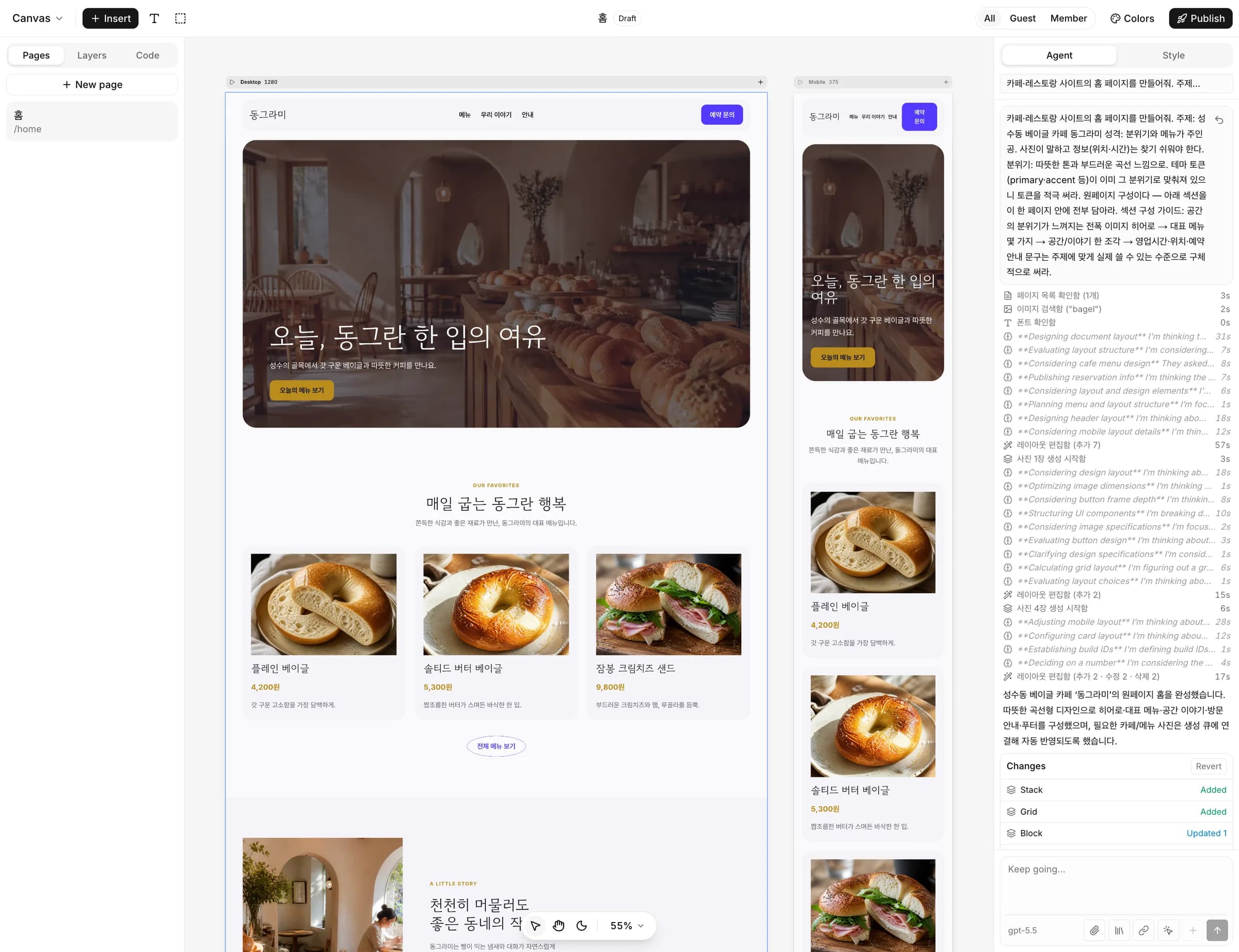
Click text, photos and colors on the canvas to change them, and move blocks where you want them. Phone, tablet and desktop views sit side by side.
- 3
Publish
Hit publish and your site opens at an address like yourname.asella.site. You can change the first part in settings, and changes go live when you publish again.
Start on a free address. Your own domain comes with a paid plan.
Free
mystudio.asella.site
The Asella address you get the moment you publish. One site stays public for free with no time limit, with a small “Made with asella” badge in the bottom-right corner.
Starter & Pro plans
mystudio.com
Connect a domain you already own to a paid site. We walk you through the records to add at your domain provider, and the site shows only your brand — no badge.
Pricing
Start free. Upgrade when you want your own domain.
See the pricing page for paid plan prices and whether they can be purchased right now.
Free
Enough to build a personal page and put it in front of the world.
Publish 1 site on an Asella address (yourname.asella.site) — with a small Asella badge in the corner
Starter
Start running a site on your own domain.
1 paid site — your own domain · Asella badge removed
Pro
For solo studios managing multiple sites.
3 paid sites — your own domain on each · no Asella badge
Questions
What people ask before starting
Do I need to know code or design?
No. Click any text, photo or color on the canvas to change it, and move blocks where you want them. Phone, tablet and desktop views sit side by side so you can tune each one.
Is it really free?
Yes. Sign up without a card and keep one site public on an Asella address (yourname.asella.site) with no time limit. Free public sites carry a small “Made with asella” badge in the bottom-right corner.
Can I use my own domain?
On the Starter or Pro paid plans, make the site a paid site and connect your domain — the badge goes away too. We walk you through the records to add at your domain provider. Asella doesn't sell domains, so buy one from a registrar first. Check the pricing page for whether paid plans can be purchased right now.
How much can I build for free?
Each site gets up to 10 of each: pages, and collections (repeating lists such as posts or menu items). See the pricing page for Starter and Pro if you need more.
Does the AI build it for me?
AI features — drafting, editing and image generation — are not open yet. For now you start from a blank page, build it on the canvas and publish it yourself.
How do paid plans work?
Paid plans are monthly or yearly subscriptions, paid in checkout run by Polar, the merchant of record. Canceling never deletes what you built. Your custom domain and badge removal stop, and anything new you create follows Free limits. Check the pricing page for prices and whether plans can be purchased right now.
Put your website online today
Start free with no card and publish on a free address right away.